01
One central place for everything you build
Start with a cloud machine, usually a cheap VPS around $20 a month. Need more space? Expand it with Google Drive.
The Digital Nomad community
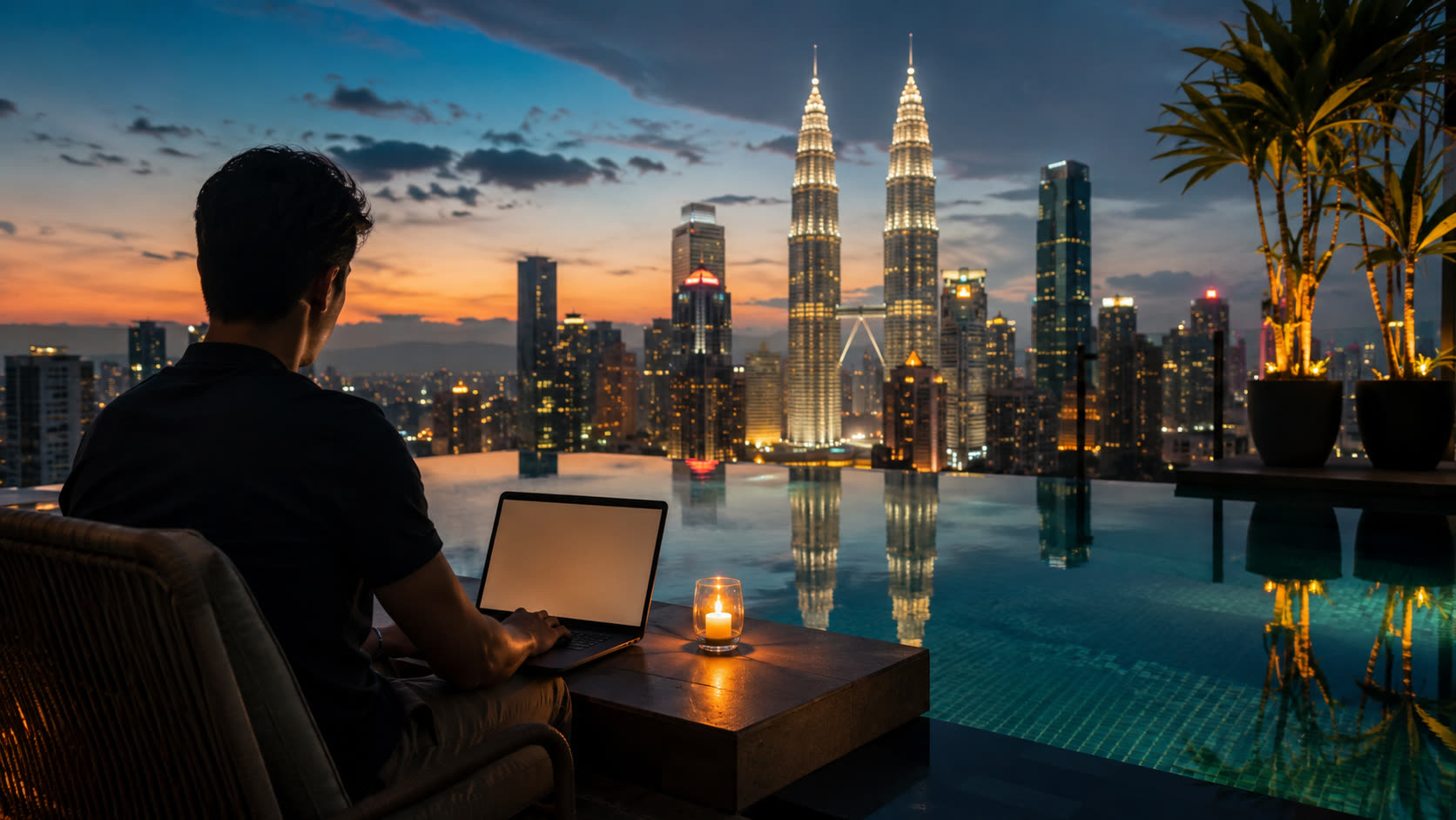
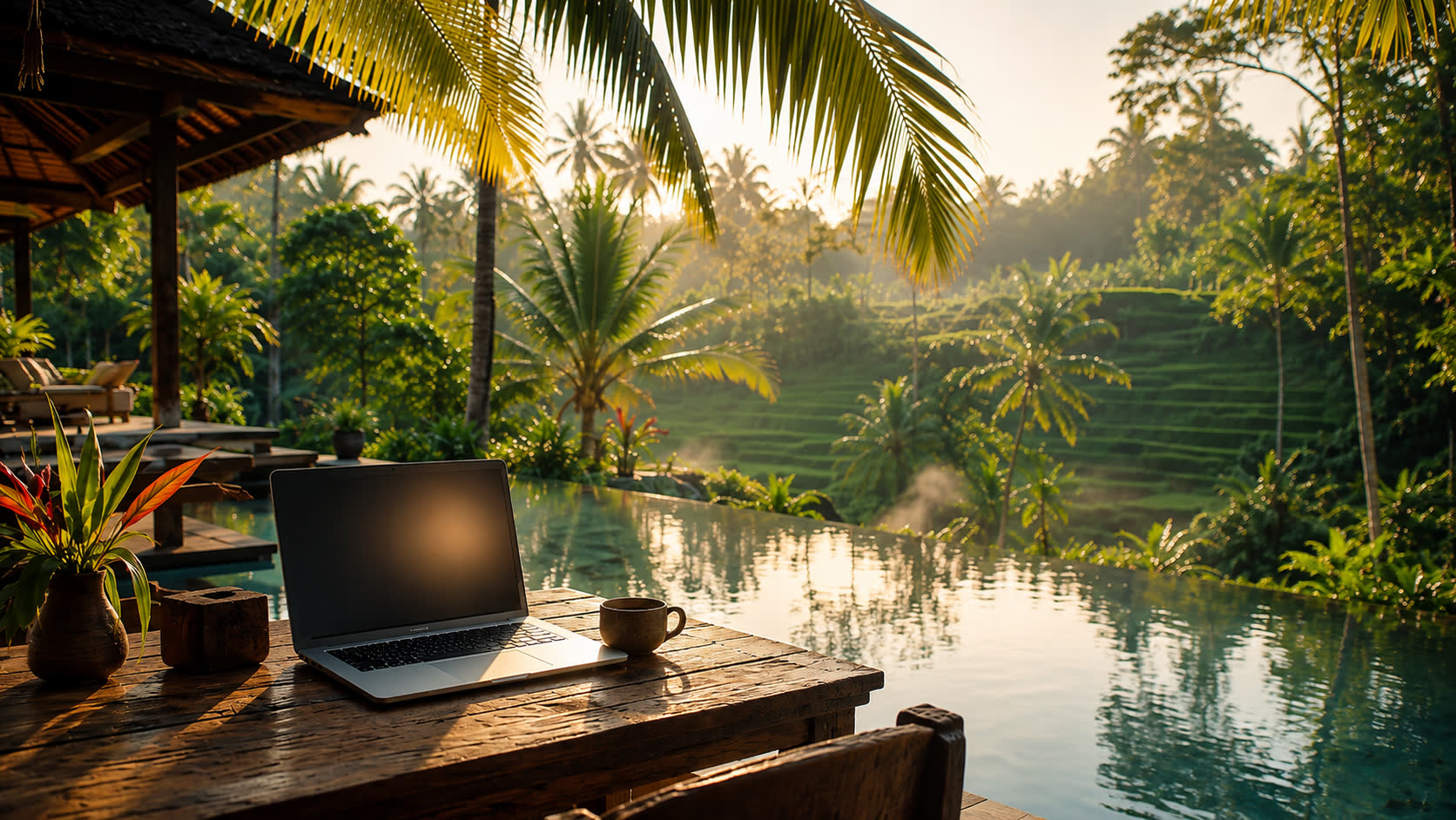
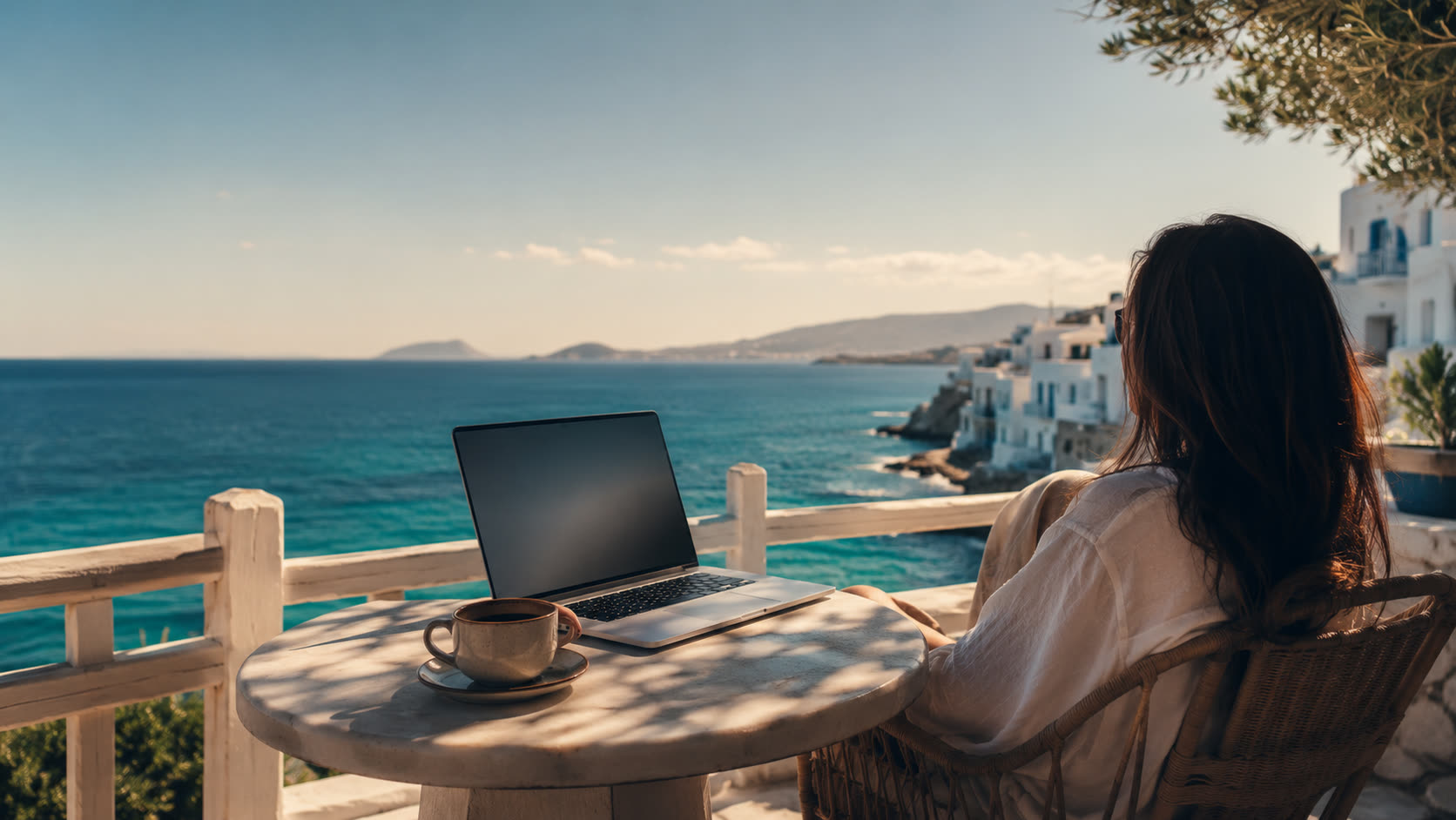
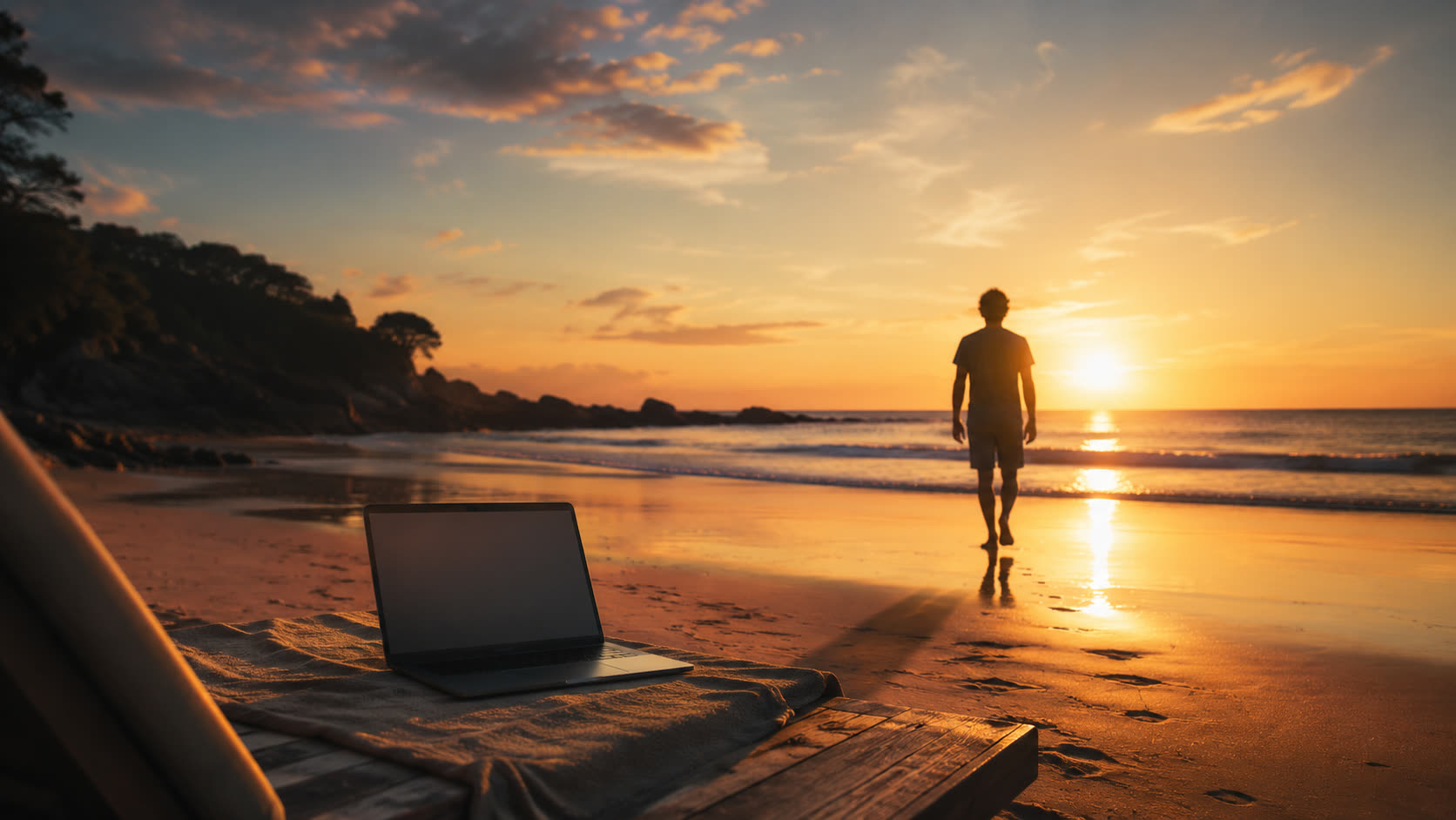
Wake up somewhere beautiful, open your laptop and get real work done. A rooftop in Kuala Lumpur, a pool in Bali, a table by the sea. The place keeps changing. Your work keeps running.
Free. Unsubscribe anytime. Community launches free, with paid upgrades.
The life after
A cheap cloud machine can keep your projects and systems in one central place. Once the hub has the data, connections and skills, you can talk to it from your phone, wherever you are.
A taste of what is inside
The community is where we will share the system behind working from anywhere. Here is the shape of it.
Start with a cloud machine, usually a cheap VPS around $20 a month. Need more space? Expand it with Google Drive.
Use Claude or ChatGPT. For the working tool, use Codex or Claude Code. We prefer Claude Code. Tell the core what you are working on and it learns as you go.
Keep one folder per project and keep the structure tool-agnostic. If you switch tools later, your work still has a structure that lasts.
Agents with their own skills connect to meetings, knowledge and data. They learn your branding, voice, strategy and process, then work on a schedule or on demand.
See the AI employee dashboardUpload raw footage. Gigi clips it, adds captions, fixes the coloring, makes a cover and auto-posts across six or seven social accounts. You check, approve and give changes by voice.
Watch the AI editor demoTalk to your agents and control Claude Code from mobile. AI employees stay limited on purpose, with more permission kept for the moments that need it.
The honest answer
“It is not luck and it is not a trick. It is a system I built once, and now it runs wherever I am.”
People ask me how I get to work from anywhere. What stands between most people and that freedom is not talent. It is not having a setup that keeps working when you are not sitting in one place.